3 must-have apps for creatives on the road
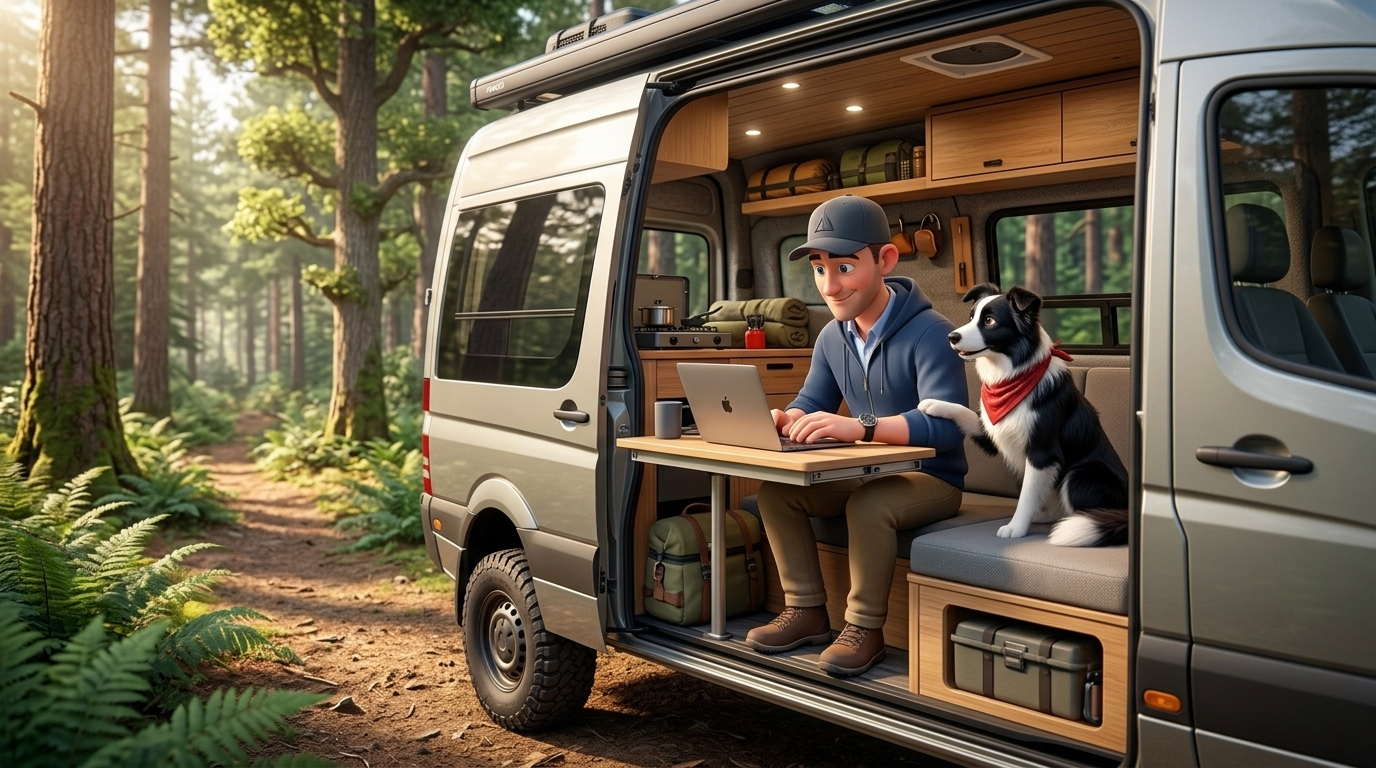
The three apps I use to get a real workday done as an AI developer living on the road in a van with my dog: AllTrails, Location Scout, and iOverlander.
My alarm clock is a border collie named Jamie, and he does not care that it's 5am. He needs to go potty, and once he's up, we're both up. So the day starts in the dark, usually with me fumbling around the van for his breakfast and my coffee.
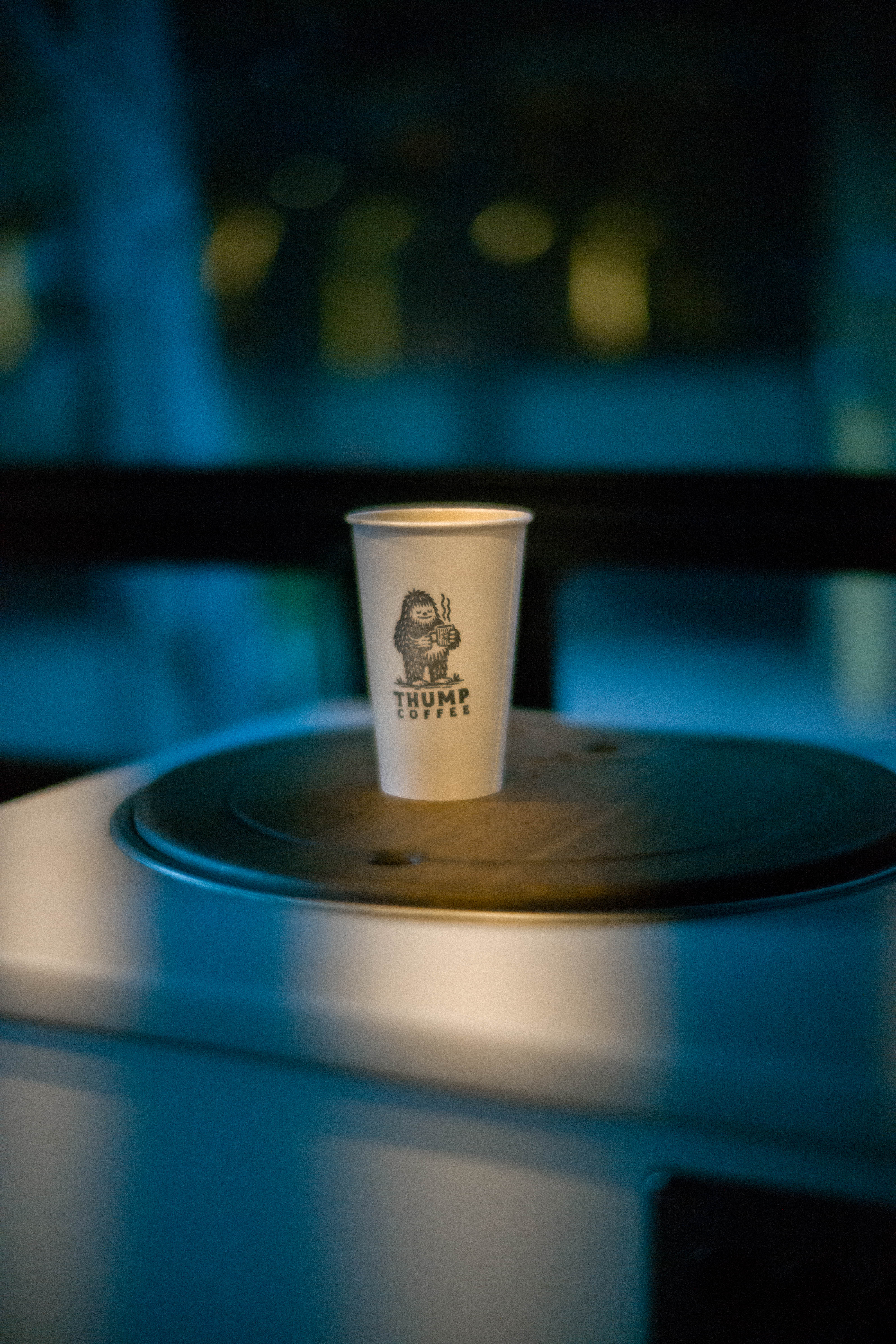
If I'm parked out in the wilderness, coffee is a pourover I make at the little counter in the back of the van. If I'm near a town, I hold out until about 6:30 and go find whatever local shop opens first. (Thump Coffee is a personal favorite. Look for the yeti.) This part isn't optional. Before I open a laptop, before I answer a single message, there's a dog, and there's coffee.
People ask how I get real work done living in a van, like it's some kind of permanent vacation. It isn't. I'm an AI developer. I ship code, I build apps, I have meetings that don't care what timezone the van is in. The difference is where the office is, and how I find it. Most of that comes down to three apps.
App 1: AllTrails, because the hike comes first
Before any work happens, Jamie and I go get a few miles in. Same as the coffee, it's not up for debate.
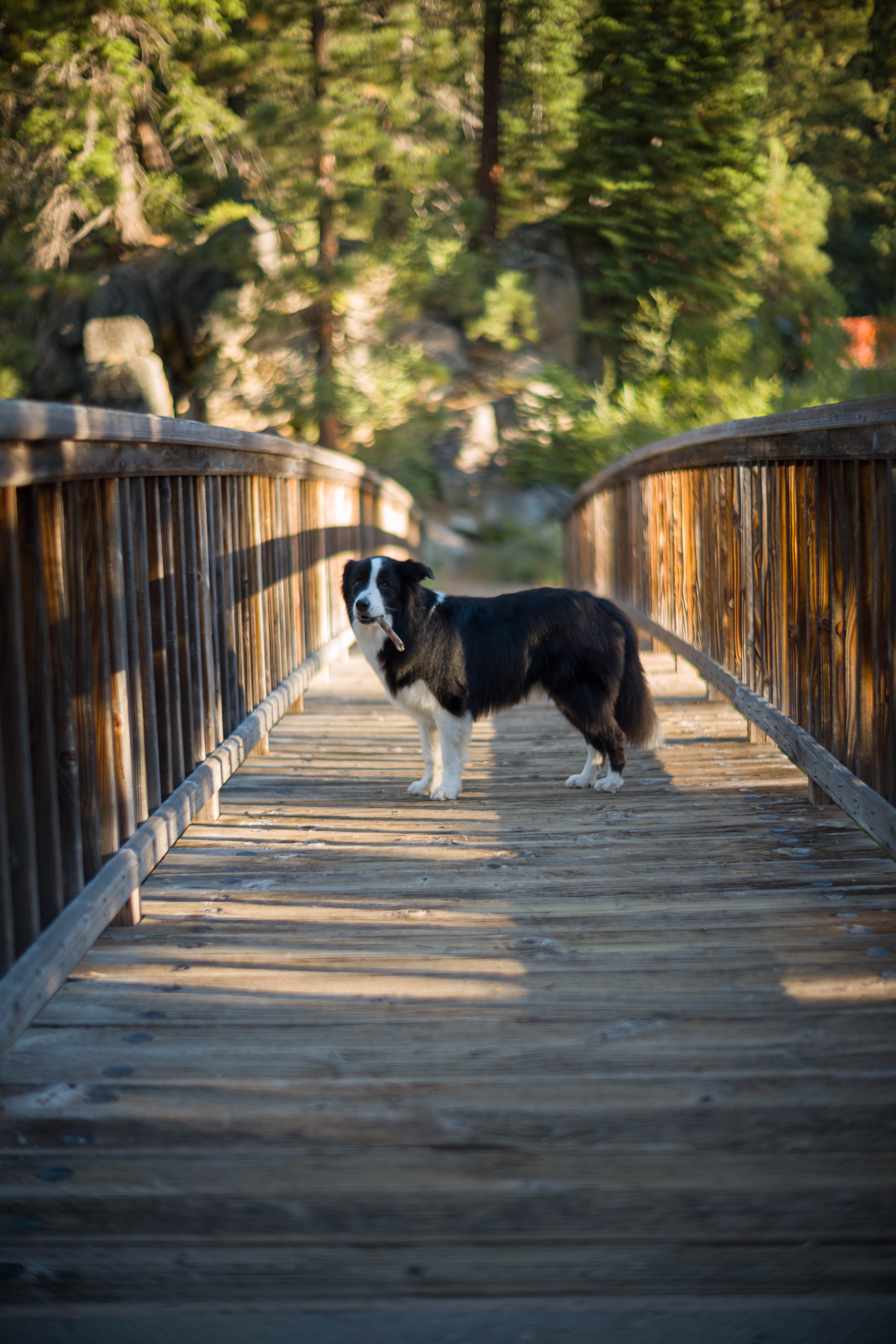
I could dress this up as a productivity hack, and it kind of is one. A hard morning hike clears my head better than anything, and a tired border collie is a border collie who will actually let me work for six hours instead of dropping a tennis ball on my keyboard every ten minutes. But mostly I just like being out there before the day gets loud.
AllTrails is how I find the trail. I filter by distance and difficulty, read the recent reviews to see if the route is washed out or buried in snow, and download the map offline because cell service is a rumor where I usually am. Five minutes, and we've got a plan.
App 2: Location Scout, for finding scenes worth shooting
A hike gets us moving. But I also shoot photos, and the two don't always overlap. The best trail for the dog isn't always the one with the shot.
Location Scout fixes that. It's a map of photo spots that other photographers have already found and tagged, with sample images, the best time of day for the light, and notes on how to actually get there. Instead of guessing where the good vantage is, I can see it before I drive an hour to a trailhead.
That's how I ended up at Crater Lake at the right hour, with the light hitting the far rim and Wizard Island sitting still on the water. I didn't stumble into that. I scouted it the night before.
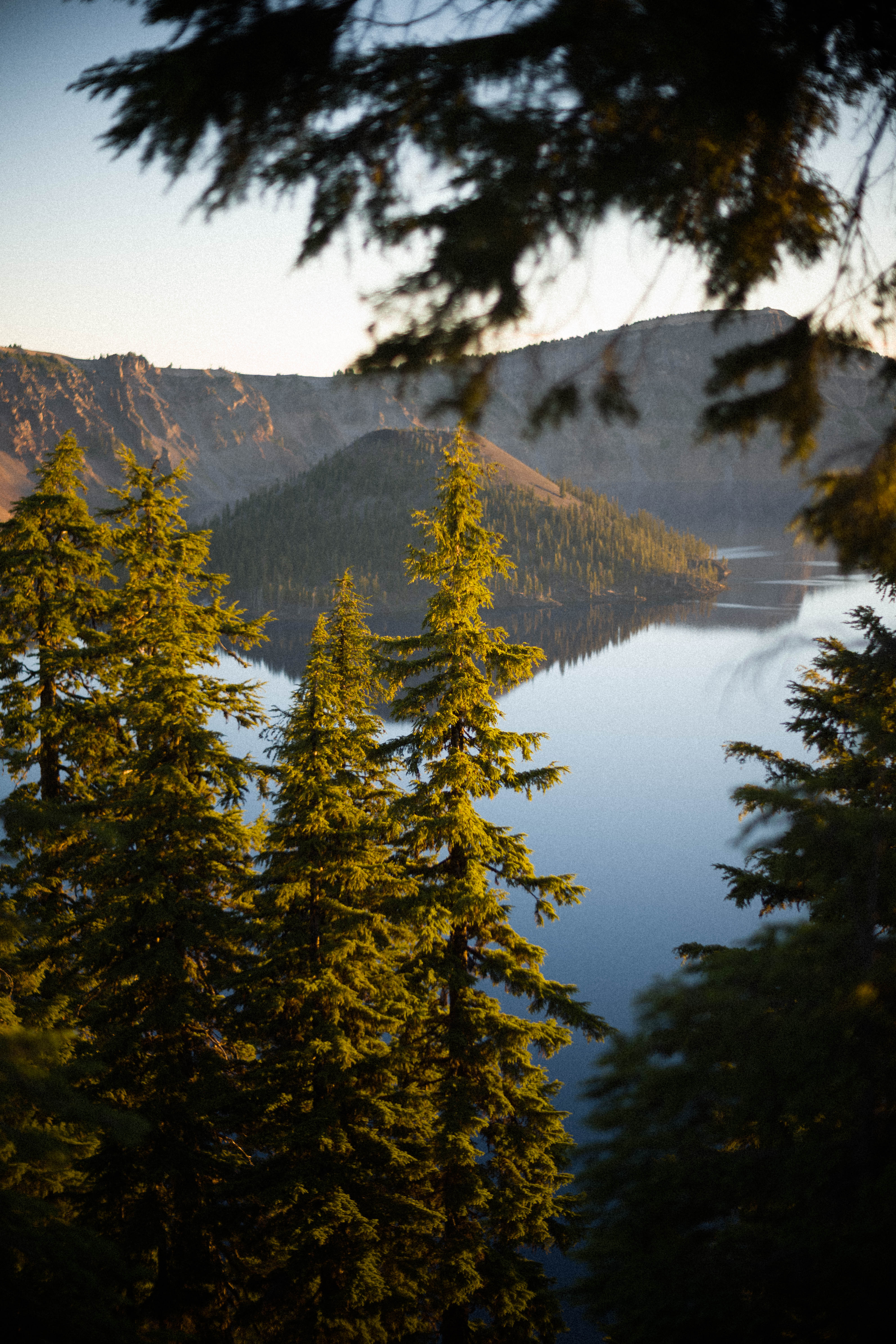
If you shoot at all, the spot where "where's a good hike" and "where's a good photo" overlap is where the whole day gets good. A lot of my Camino and travel photography started exactly like this, and if you're into that side of things, there's more of it over on quintonwall.com.
App 3: iOverlander, my daily office finder
After the hike, I need somewhere to actually work. This is the app that makes van life and a real job coexist: iOverlander.
It's a crowdsourced map of spots. Campsites, water fills, dump stations, and for my purposes, places to park and open a laptop. My criteria for a daily office are pretty specific:
- No more than an hour's drive if we're roadtripping, or just nearby if we're staying put.
- Shade, so the van doesn't turn into an oven, but enough open sky that Starlink has a clear line to the satellites.
- Close to somewhere I can throw a ball for the dog.
- Private, without a crowd.
Trailheads check every box. They're quiet during the workday, they've got trees and open sky in the same place, and the trail itself becomes the dog's afternoon exercise. Nine times out of ten, my office is a trailhead parking lot with a view.
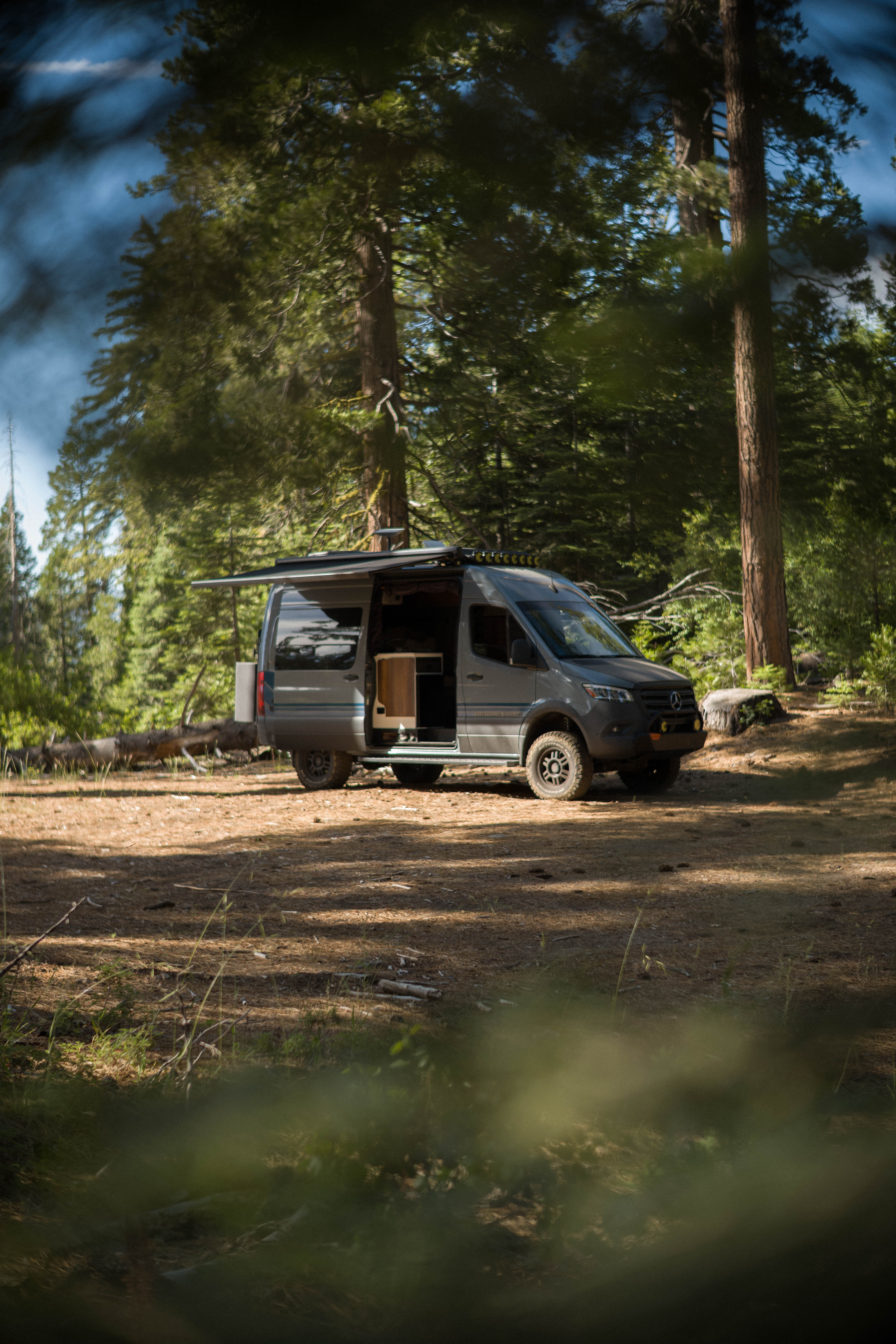
The actual workday, 8 to 4
I try to be parked and working by 8am. From there it's a normal workday, honestly more focused than most offices I've sat in. I work until about 12:30 or 1, break for lunch, play with Jamie, then get back at it.
The lack of easy distraction helps. Nobody drops by my desk. When Starlink is my only connection, I'm a little more deliberate about what's actually worth being online for. One solid block before lunch, another after.
Around 4, I start thinking about where we're sleeping. If we're not moving, that's sometimes just the same spot. But I usually like to end the day somewhere new, so I open iOverlander again with one extra thing in mind: easy access to a trail in the morning. Tomorrow's hike starts with tonight's parking spot. We roll in around 5:30.
Wind-down, and the honest question
Evenings are the easy part. Dinner, more ball for the dog, and I'll usually edit a few photos from the morning's hike while the light outside does its thing. Then we settle in.
So does this actually work? Mostly, yes. The trade-offs are real. Starlink drops, weather doesn't negotiate, and some days the office search takes longer than I'd like. But the routine holds. Coffee, hike, work, repeat, with the scenery changing every few days. For the kind of work I do, building and shipping things, I don't need much more than power, a connection, and a door I can open onto a forest.
If you want to follow along, I post more of this over at quintonwall.com, and the video side of it lives on YouTube at @seeqcode. Come say hi. Bring your dog.
Subscribe
New posts on AI, developer relations, photography, and the odd long walk, straight to your inbox. No spam.